
How to…

Access Legacy Treehouse and Gain E-mail Access:
Step 1: Open a web browser and go to soperoffice.sharepoint.com
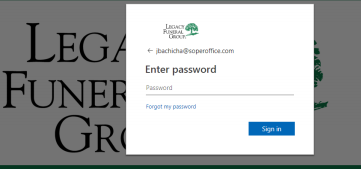
⮚ Enter the user name and click Next
The user name setup is first initial last name @soperoffice.com
Example: John Smith would be jsmith@soperoffice.com
⮚ Enter password and Click Next

Step 2: Access your E-mail by clicking the blue box labeled Email Access
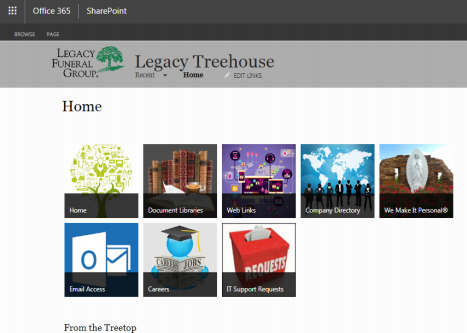 Once you have completed this step, your e-mail will open.
You can now access Legacy Treehouse and your e-mail account!
Comments
0 comments
Please sign in to leave a comment.