

How To …
Add an E-mail Account to an Android Phone
Step 1: On the home screen of your phone open Settings (Notated in the example below by the red circle and arrow) 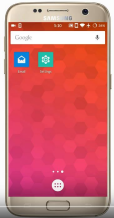
Step 2: Select Accounts
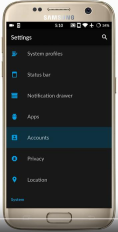
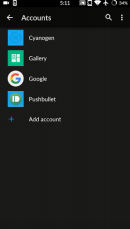
Step 3: Select Add Account Step 4: Select Exchange
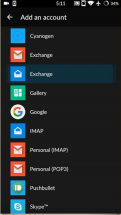
Step 5: Enter Email address followed by password then select next. Make sure to put your email @soperoffice.com
Password is the same as your Treehouse login and Outlook E-mail. 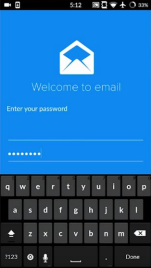 Example@soperoffice.com
Step 6: Select Next again
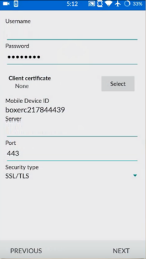
Step 7: Select OK Step 8: Select Next
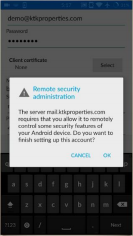
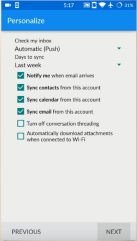
Step 9: Select Activate
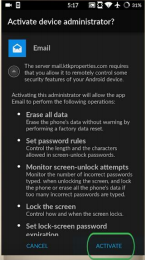
Your E-mail account has been added!
Comments
0 comments
Please sign in to leave a comment.