
How to…

Allow IT to Connect via Remote Support:
Step 1: Follow the link http://sos.splashtop.com.
Step 2: Click “Windows download” (notated in the picture below).
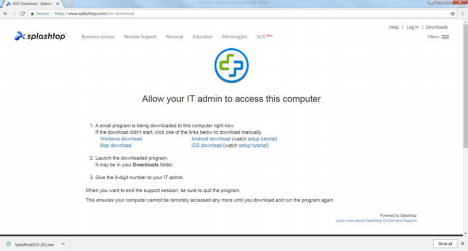 Step 4: A window will pop up. Click Run. Another window will pop up. Click Yes.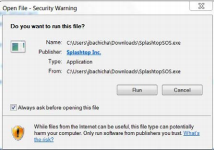
Step 5: A final window will pop up giving you a random access code. I will need this code to login to your computer remotely. This will allow me to check on your computer and activate your account again if need be.
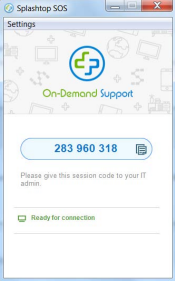 123 456 789
Comments
0 comments
Please sign in to leave a comment.